

Your content & metrics, tracked automatically
See all your creator content and performance data in one dashboard, no manual tracking, no spreadsheet math, no wasted hours.
14-day free trial • No credit card required
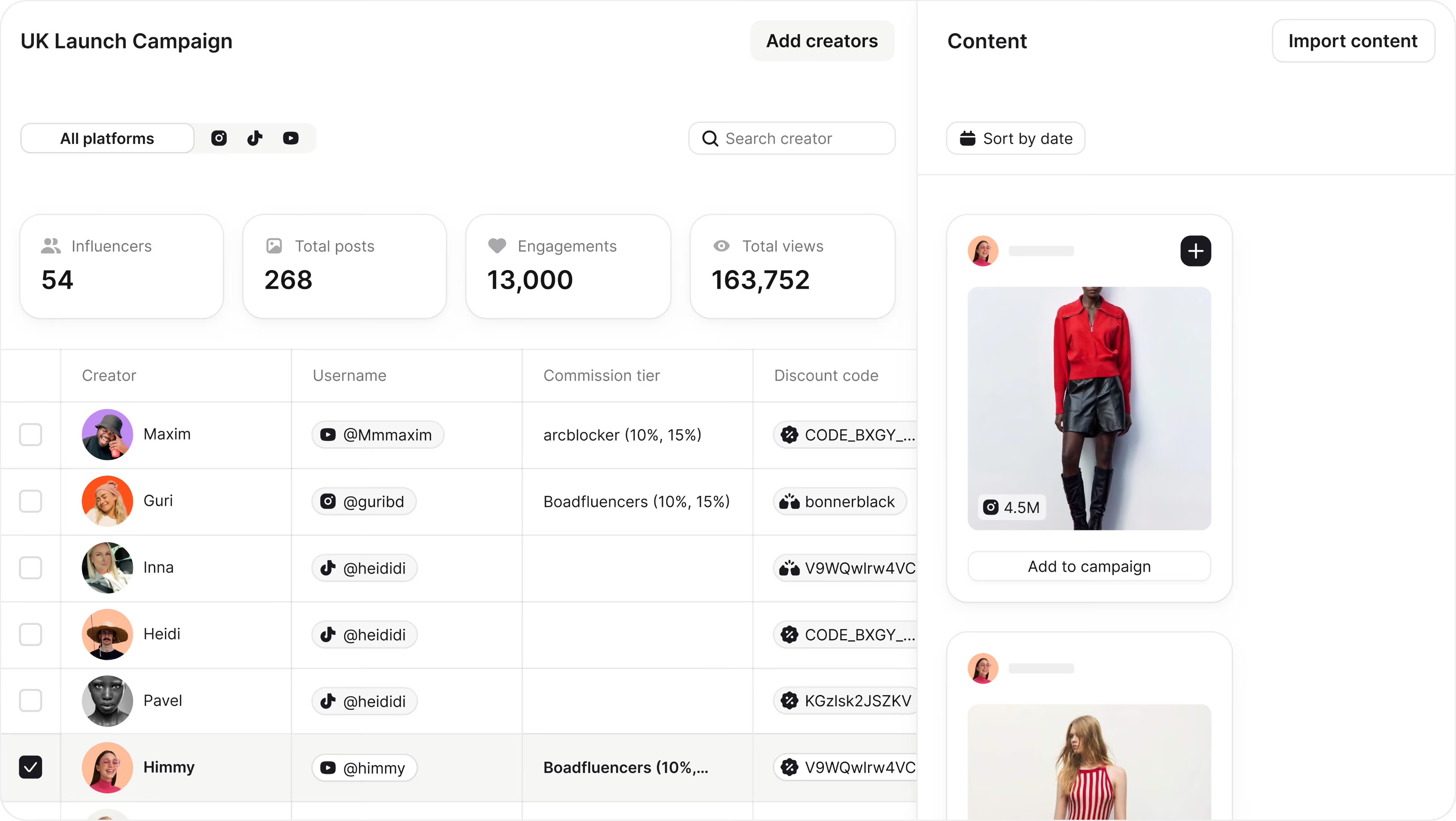
Your boss asks for performance. You've got screenshots.
You’re manually checking profiles for content, chasing creators for analytics, and piecing together data across multiple tools.
Modash helps you track influencer campaigns automatically.
Campaign overview at a glance
Track total posts, influencer participation, views, clicks, engagements, and sales across all platforms with segmented data exports.
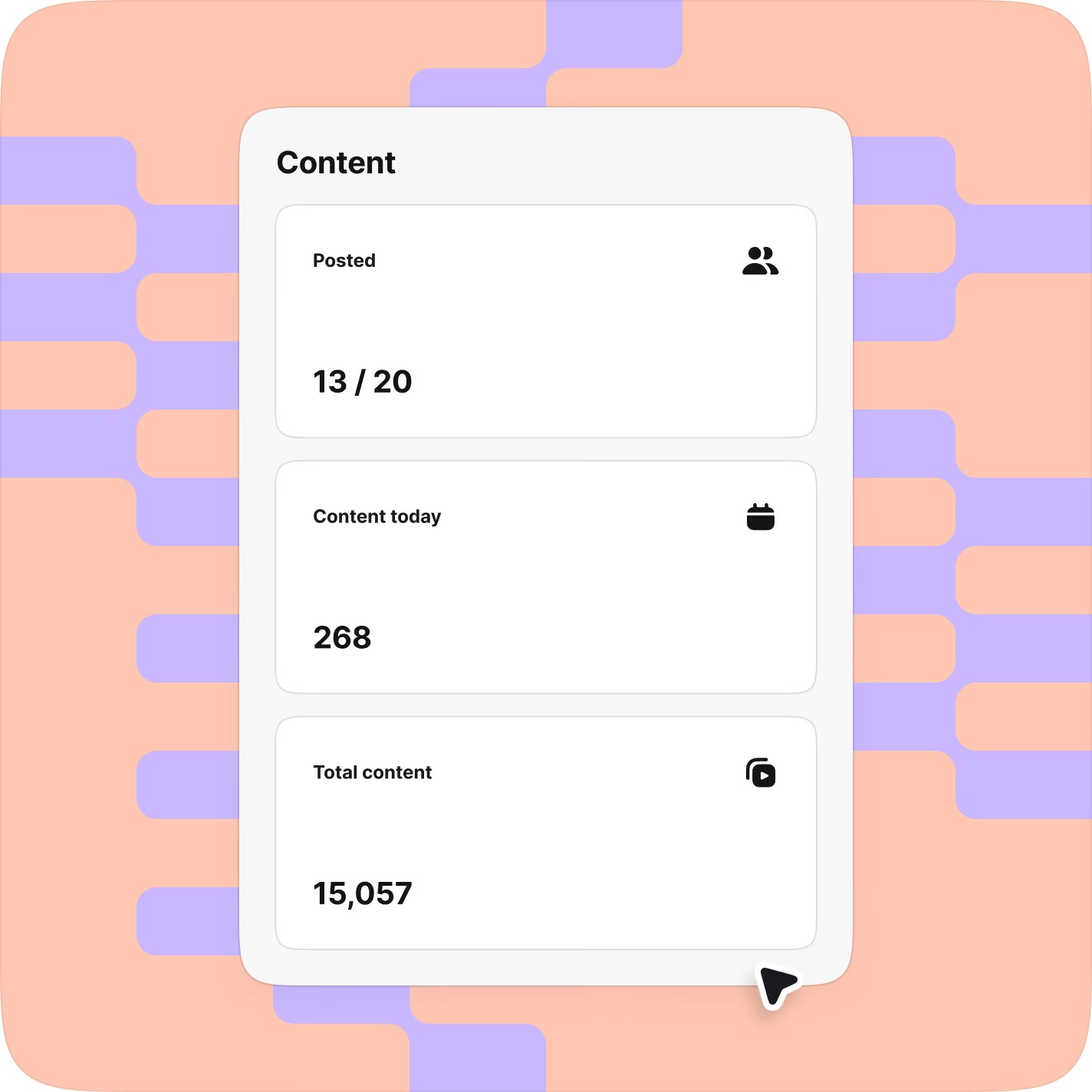
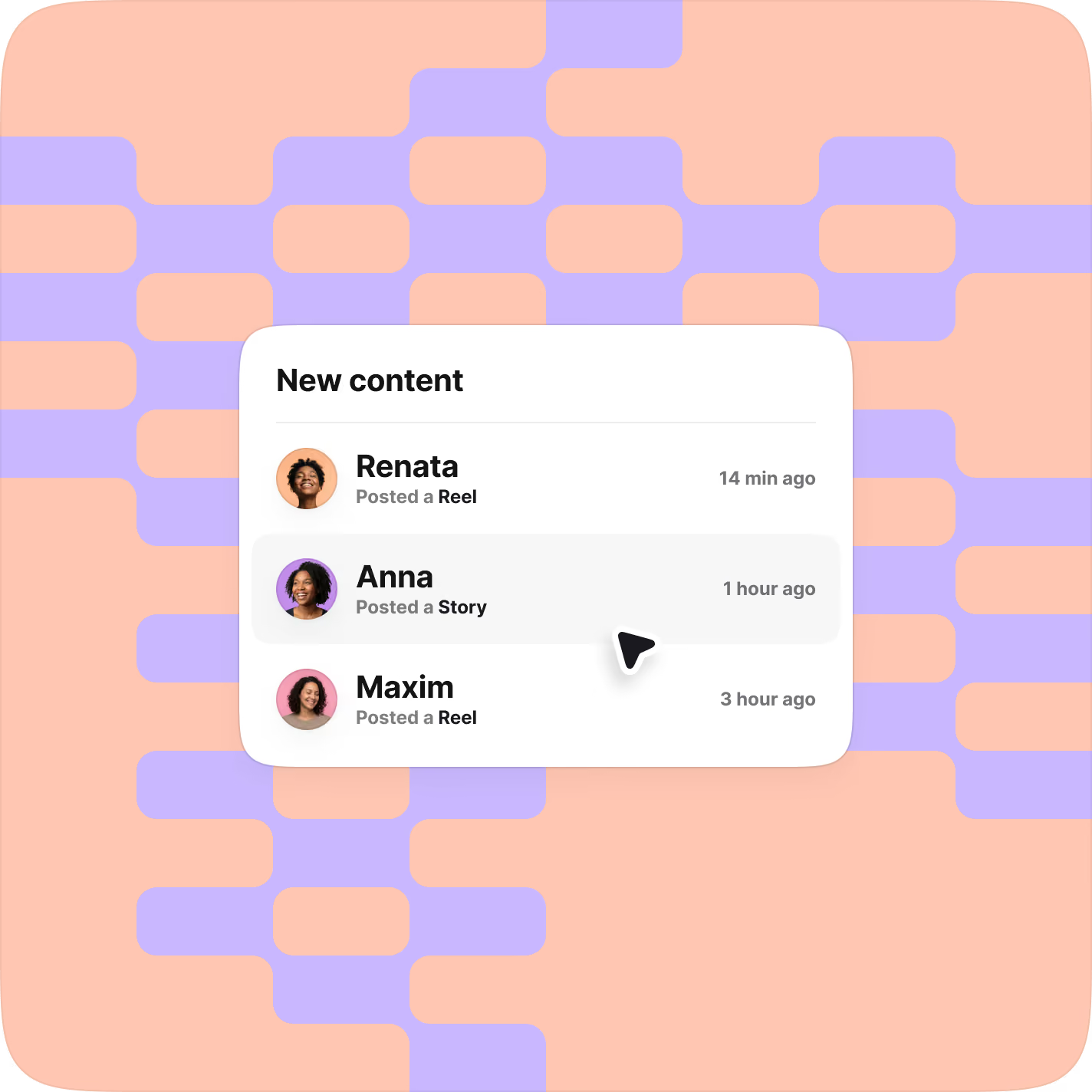
Collect every piece of content
Track every brand mention from selected creators during your campaign window. Stories included.

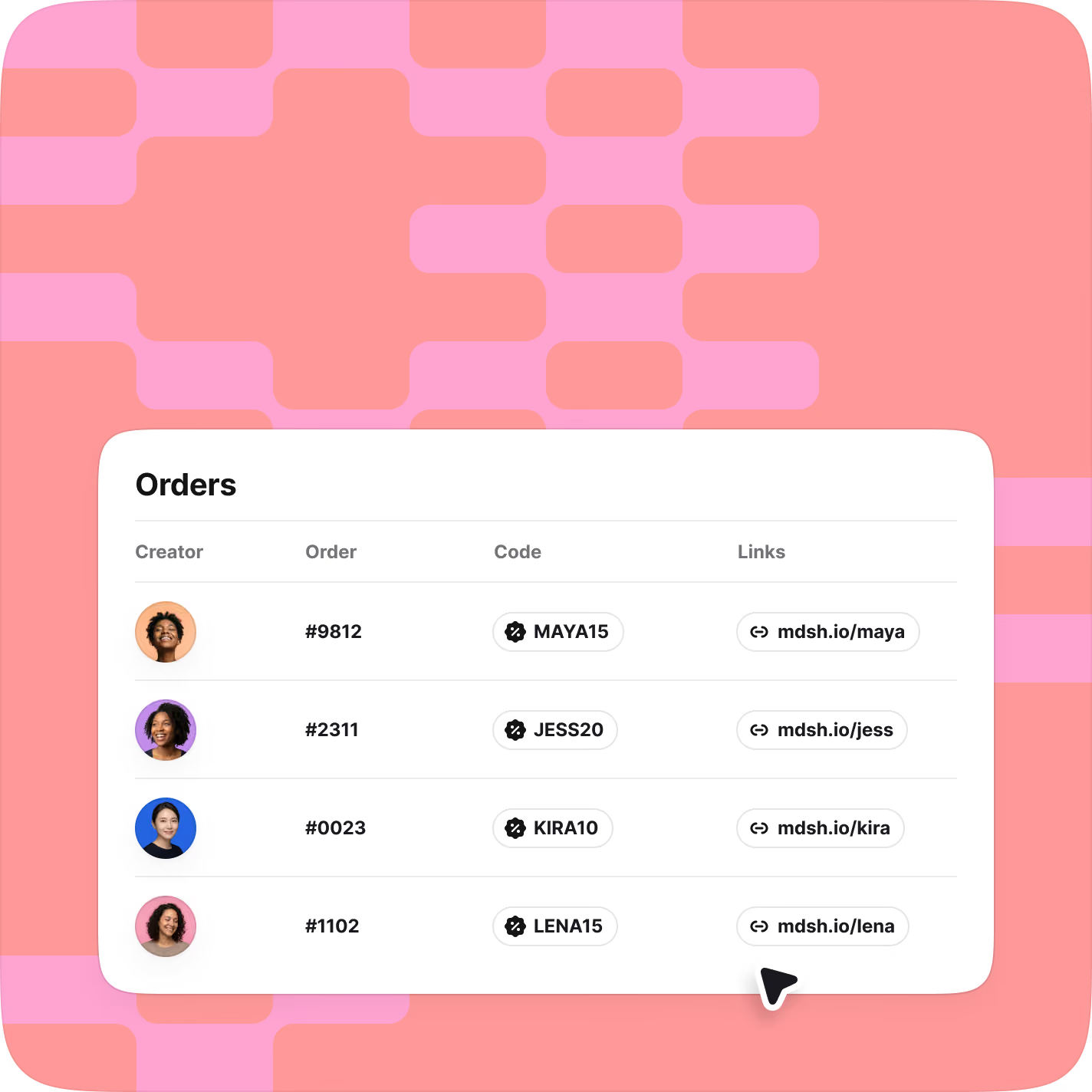
Create & track UTM links & promo codes
Create unique codes and links directly in Modash. Track their usage per creator, and per campaign, in the same place as your awareness and engagement metrics.
EMV, CPM, ROAS automatically calculated
Performance metrics appear without spreadsheet math. See what's working at a glance.
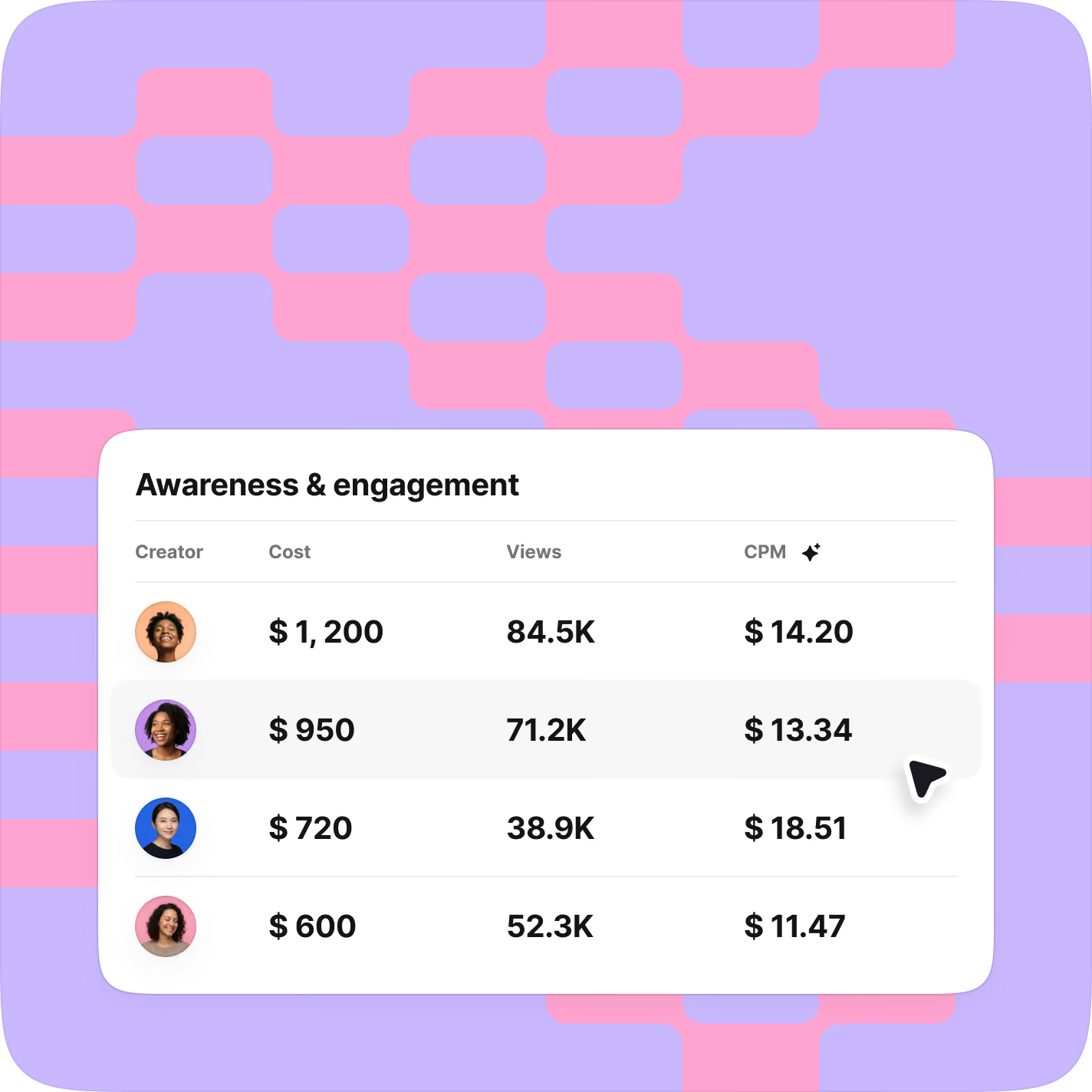
Identify top performers instantly
See exactly which creators and campaigns drive revenue. Double down on what works.
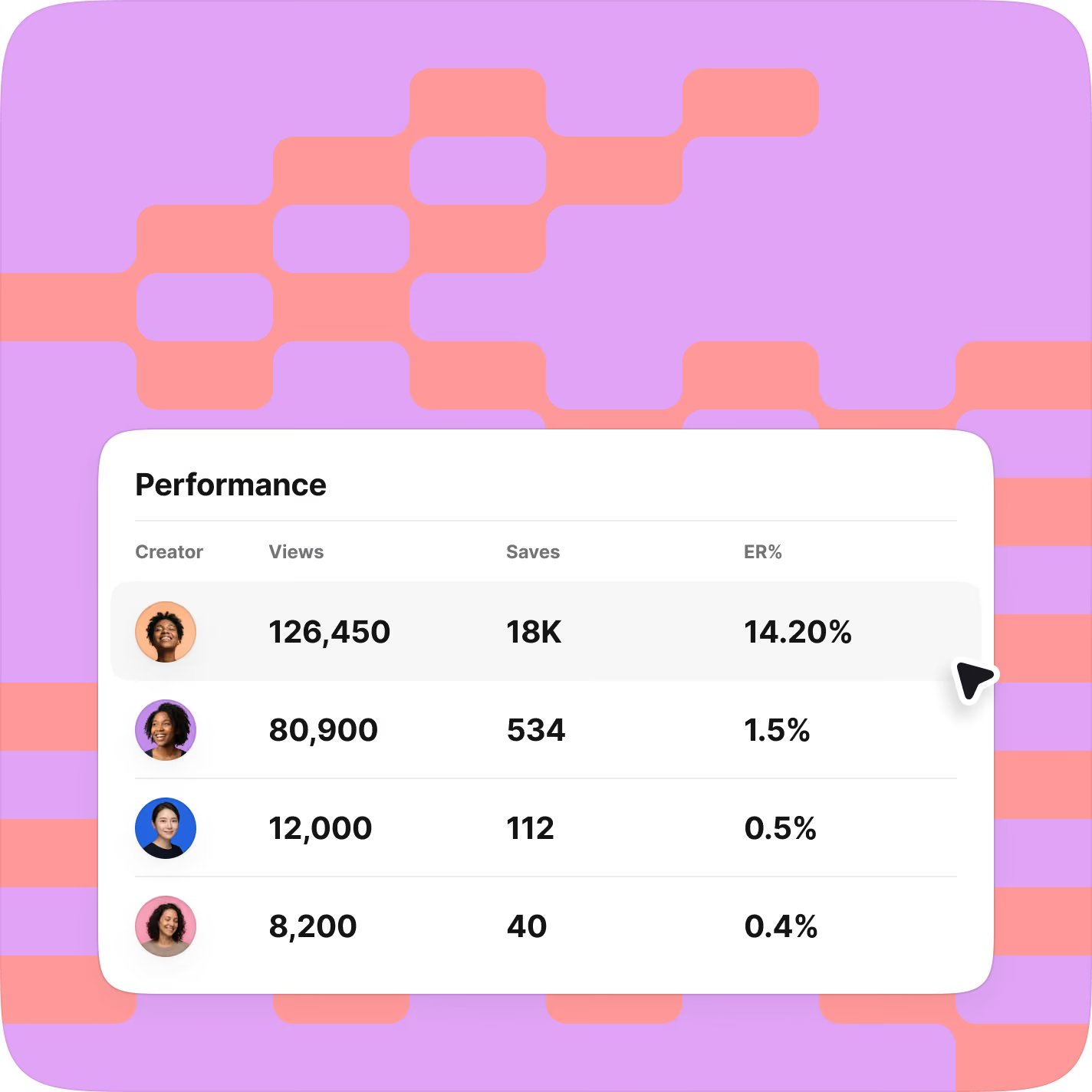
Zero work required for creators
No sign-ups, no authentication, no screenshot requests. Creators post as normal, and you see everything in your dashboard.
Everything you need to measure
what matters

Custom workflows &
bulk actions
Create unique statuses for each campaign based on your workflow. Track progress across campaigns and take bulk actions to move faster.

Make tracking links &
promo codes
Create unique UTM links, affiliate links, QR codes, or Shopify promo codes. All within Modash. Send them in a few clicks to automatically track usage.

Date range &
currency
Segment data by dates and export everything to CSV. Customize how you view and report on your campaigns.
See all your performance data in one place
Stop spending weekends saving content and start spending time on the creators and campaigns that actually perform.
Manual tracking
Chasing screenshots
Incomplete data
Spreadsheet of disconnected metrics
Hours spent proving ROI
Manual work
Automatic tracking
100% content coverage
Connected Shopify data
Live performance dashboard
10-minute setup
Automatically updated metrics
When automatic tracking is on,
you get your weekends back

10-minute
setup

Connected
Shopify data

100% content
coverage
Modash is likely a good fit if you want to...
Keep track of 10+ creators posting monthly

Running multiple campaigns at
the same time

Stop working overtime to check for live content on evenings & weekends

Spend less time chasing creators for metrics

Connect Shopify data (sales, promo codes) to your influencer work in one place
Here’s what customers say




Track campaigns. See performance. Scale what works.


Once you add creators to a campaign, Modash automatically captures every post, video, and Story they publish about your brand across Instagram, TikTok, and YouTube—no creator sign-up required. We do not track TikTok Stories.
All performance data—views, engagement, EMV, link clicks, code redemptions, and revenue—appears automatically in your campaign dashboard.
Nope! No creator signup needed. As long as they tag your brand or use your tracking links, Modash automatically captures and organizes all content.
Modash tracks publicly available branded content across Instagram, TikTok, and YouTube, including posts, videos, and Stories (excluding TikTok Stories).
We can only track content that is publicly accessible on each platform. This means we don’t see private accounts, Close Friends stories, content shared in DMs, deleted posts, or posts that are never published publicly. If a platform restricts access to a content type, we respect those limitations.
When creators publish branded content publicly, Modash automatically collects it and keeps your campaign reporting complete, without requiring creators to sign up or install anything.
Event Mode captures every piece of content your creators post during a specific time period, even if they forget to tag your brand or use required hashtags.
Use Event Mode when:
- Running product launches where you need to capture all creator buzz
- Hosting brand events
- Managing time-sensitive campaigns with strict reporting requirements
- Working with creators who might forget to tag your brand consistently
- High-stakes campaigns that require complete coverage.
Important: When enabled, each creator tracked counts as 2 creators. (When disabled, each creator tracked counts as 1.)
Yes, Modash flags posts missing required ad disclosures so you can ensure compliance and address issues before they become problems.
Yes. When you connect your Shopify store, all sales data syncs automatically to your Modash dashboard. You'll see exactly which creators drive the most revenue for your brand.
When you connect your Shopify store and codes, you can track:
- Sales from discount codes: Monitor how many times each creator's discount code is used and the revenue generated from those purchases.
- Sales from affiliate links: Track clicks, conversions, and revenue from unique affiliate links assigned to each creator.
- ROAS (Return on Ad Spend): Calculate the exact return on investment for each creator and campaign based on actual sales data when creator costs are added.
By using UTM tracking links, you'll also see how many visitors each creator sends to your site and which pages they visit. All tracking data syncs automatically to your Modash dashboard, giving you real-time visibility into which creators drive the most valuable traffic.
Yes. On Performance and Enterprise plans, you can export campaign data, creator lists, and performance metrics to CSV or Excel. Filter by creator, campaign, date range, or metric to show exactly what matters. You can also download content posted by your creators for marketing, testimonials, or archives.
We store all campaign data for as long as your account is active, and you don’t delete the campaign. This includes creator profiles, content history, performance metrics, tracking links, and analytics.
When you finish a campaign, all content and data are moved to the Finished tab, and remain there unless you delete them. Once you delete a campaign, the action is permanent and can’t be undone.