Browse examples of sponsored influencer content fromPhotoshop VIP
See 50 examples of influencer content sponsored by Photoshop VIP. Ordered by recency. Built by Modash.
See 50 examples of influencer content sponsored by Photoshop VIP. Ordered by recency. Built by Modash.
For creators who have promoted Photoshop VIP, see
Filter by social platform
10/12/2026
MONTREALITY
@montreality
03 Sep, 26
8:11
73.8k
9.1k
53
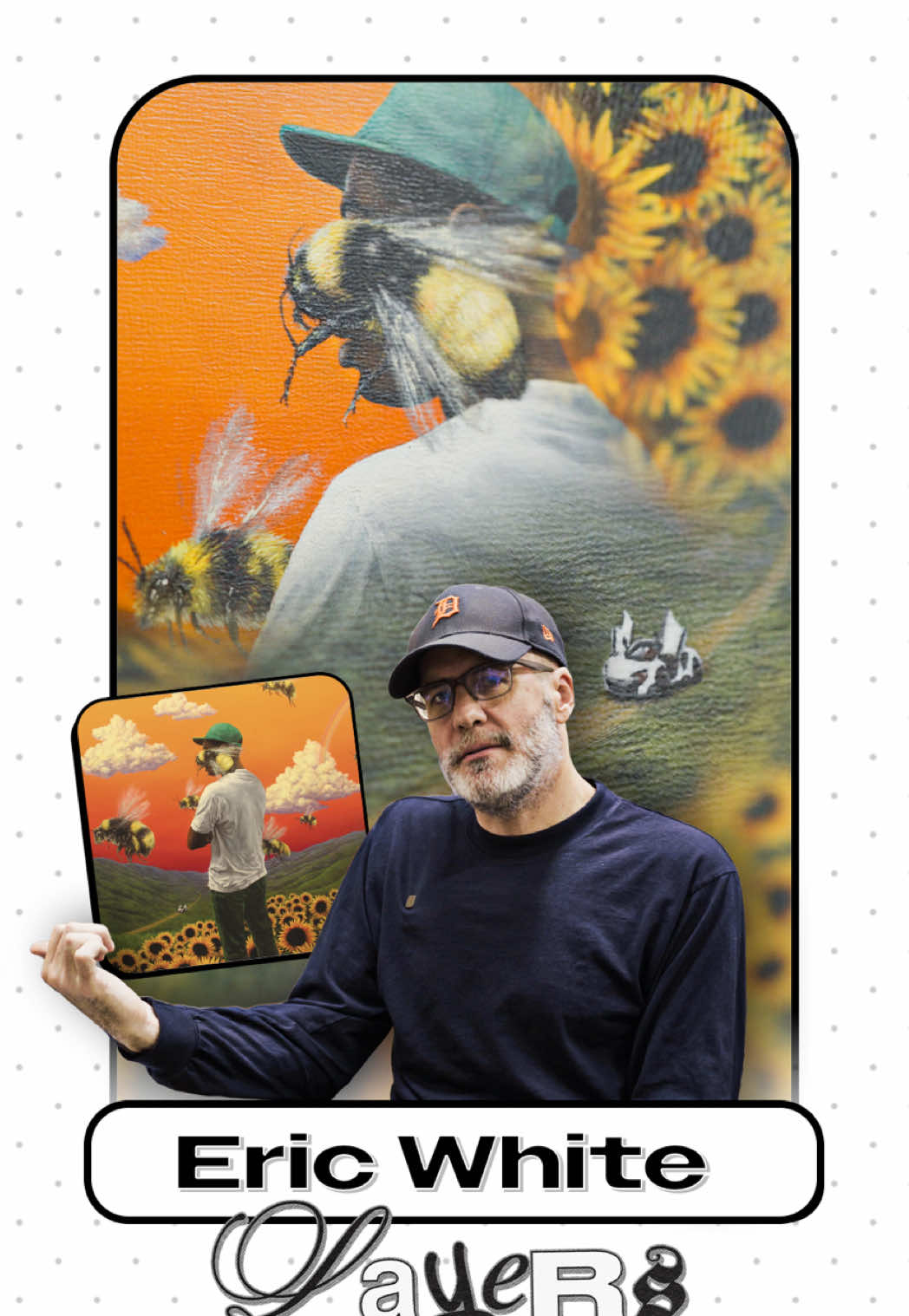
The fine art painter behind Tyler, The Creator’s Flower Boy, transformed a surreal vision into one of hip-hop’s most celebrated album covers. Before touching a single brush to canvas, Eric White used Photoshop as a digital sketchbook, piecing together Tyler’s scale, perspective, and giant bees into a balanced composition. In this episode of LAYERS, Eric White walks us through how he created the album cover for Flower Boy, breaking down his @Photoshop composition process, light dynamics, and the traditional oil painting techniques behind a modern visual classic. #adobephotoshoppartner
itchban
@itchban
28 Aug, 26
0:28
909.6k
4.5k
10
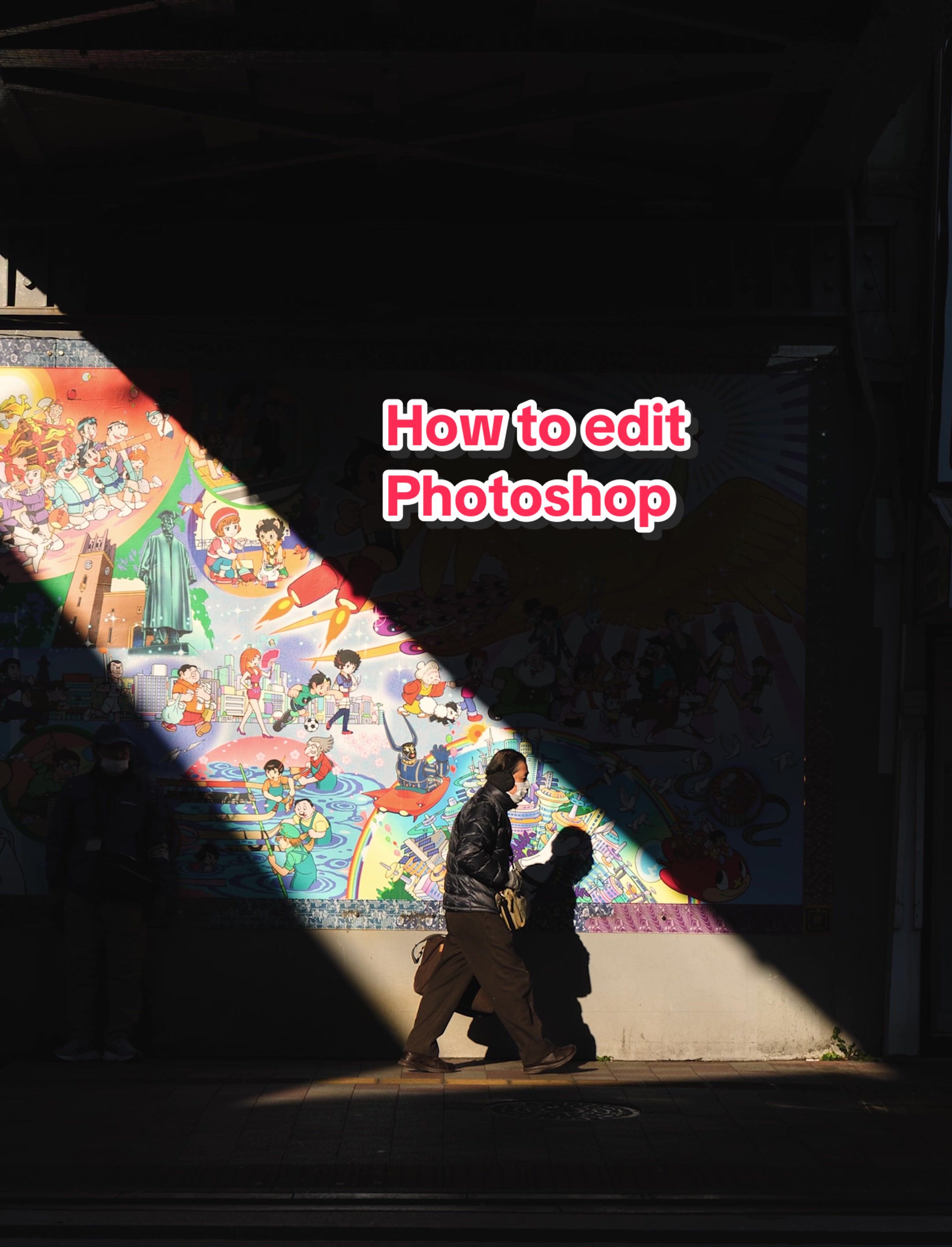
💡Sculpt the light in your images with the new Light adjustment layer in @Photoshop You have more control & freedom to experiment as it is non-destructive and reversible. #AdobePhotoshopPartner #photoshop #photography
MONTREALITY
@montreality
21 Aug, 26
13:08
40.5k
4.4k
40
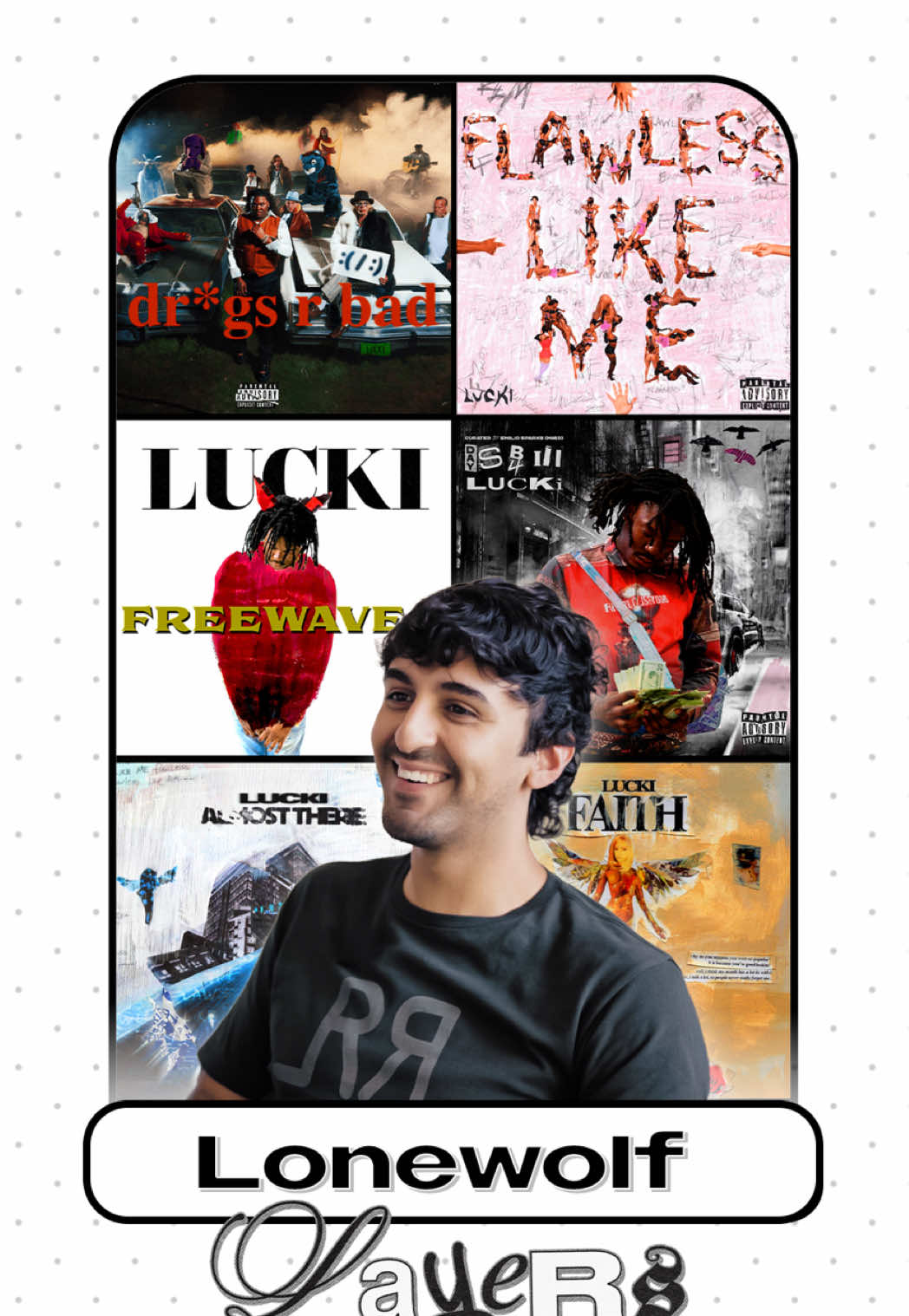
Mixed media wizard LONEWOLF reveals the creative process behind iconic album art for LUCKI: Freewave 3, Days B4 III, Dr*gs R Bad. LONEWOLF, the visionary director and designer, has spent years defining the visual identity of the underground. Known for his chaotic, paper-cut, mixed-media style, he hand-crafted some of the most iconic album art in recent hip-hop history. We’re diving into LONEWOLF’s genius and the raw, tactile techniques behind his legendary visuals. He walks us through how he designs album covers on @Photoshop, breaking down his unique cut-and-paste physical collages, texture overlays, and digital manipulation. #adobephotoshoppartner
David Suh
@davidsuh
20 Aug, 26
1:00
1.1M
7.9k
57
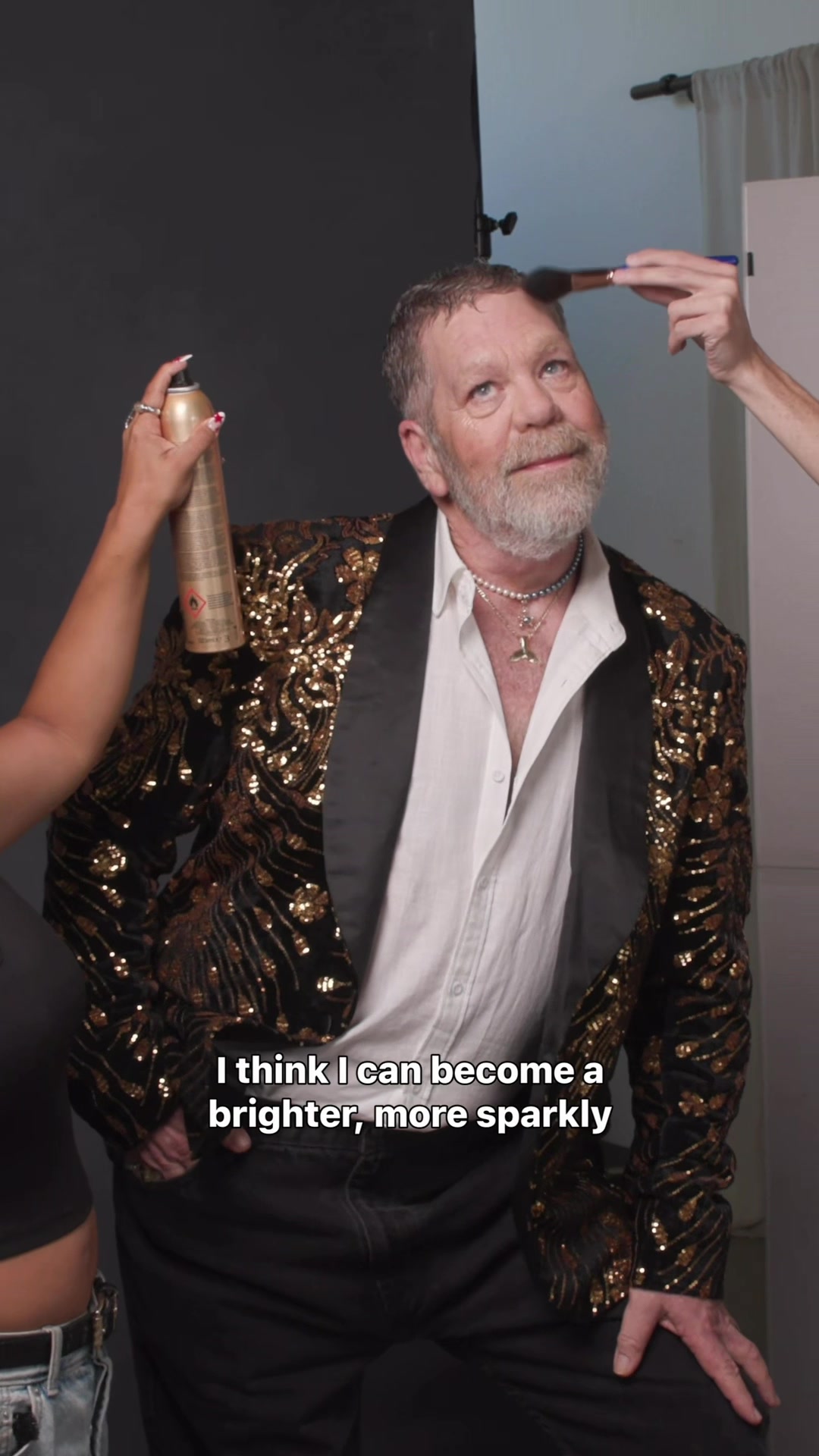
Some people spend their whole lives making sure everyone else feels seen. Brian did exactly that. After decades of caring for his family, his students as a special education assistant, and his community, he wanted to get out of his comfort zone and try something new now in his retirement. This photoshoot wasn't about changing who Brian is, it was about reminding him that getting older doesn't mean fading into the background. Episode 3 of Exposure is live now on YouTube. Thank you to @Photoshop @Lightroom for partnering with me on this journey. What's one thing you've always wanted to do just for yourself? #AdobePartner
Check influencers' sponsored content
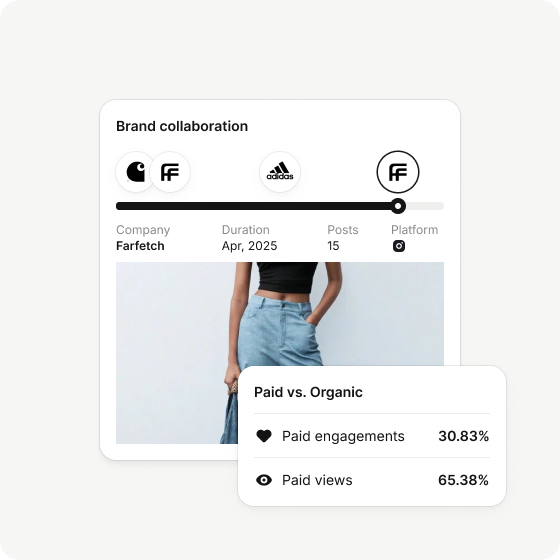
Use the brand collaborations timeline to see who an influencer has worked with, what they posted, and how it performed. Plus see Paid vs. Organic metrics to see how well their sponsored content performs on average.
francescaperks
@francescaperks
13 Aug, 26
0:36
920.8k
6.2k
13
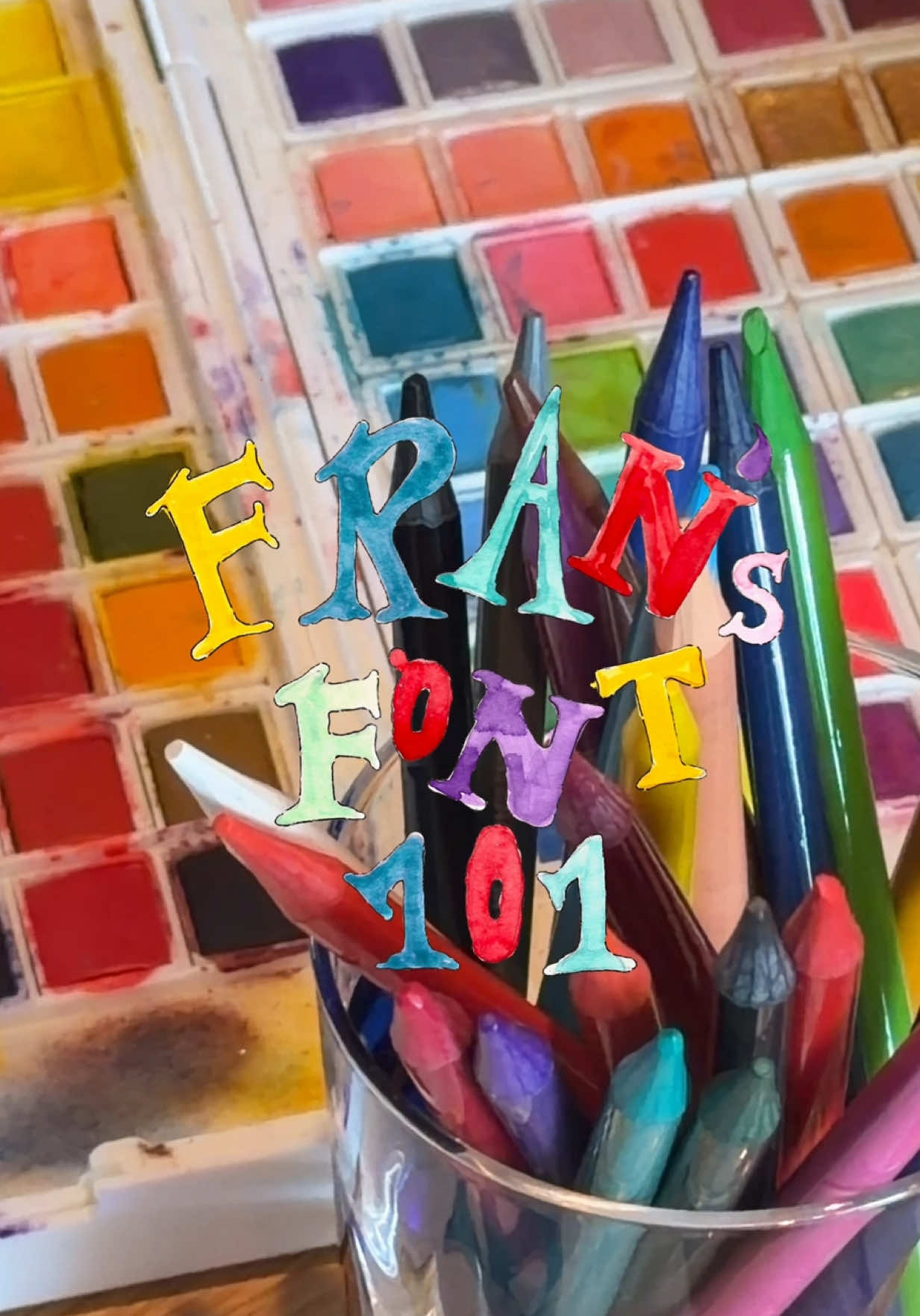
Frans font’s 101: The scoop on how I create my hand drawn font, with a little help from @Photoshop #adobephotoshoppartner
sabbbbern
@sabbbbern
12 Jun, 26
0:53
523.8k
8.6k
38
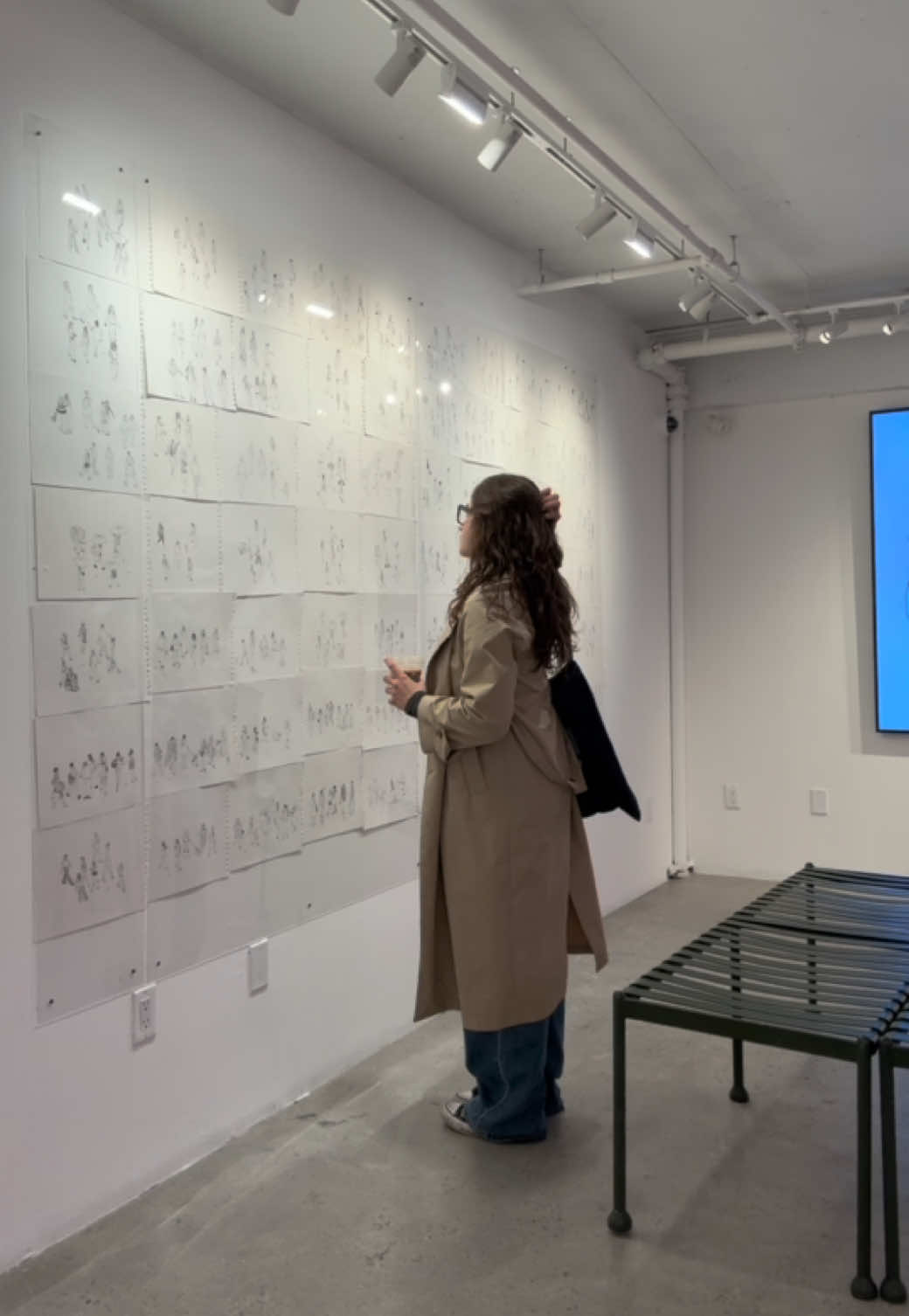
what happens when someone finds themselves in my drawings? @Photoshop brings it together #AdobePhotoshopPartner #design #drawing #tutorial #art
visuallife
@thevisuallife
06 May, 26
0:53
502.3k
3.2k
23
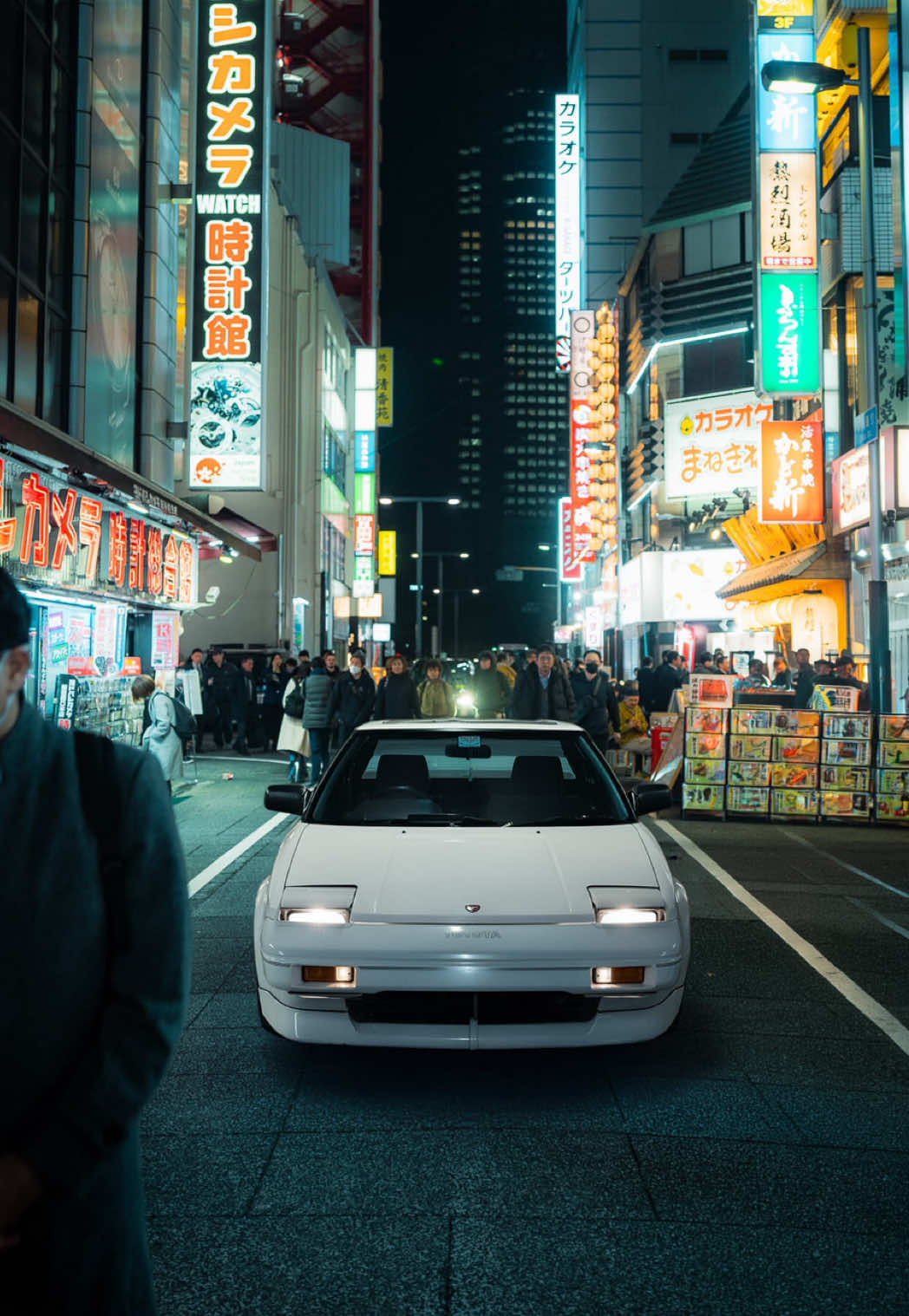
Imagining what my car would look like in Japan had always been something that remained in my head until I found out about the Harmonize feature in @Photoshop - the possibilities with this tool are endless, so download Adobe Photoshop! #adobepartner #photoshop #carphotography #carsofinstagram #photography
FULLERMOE
@fullermoe
28 Apr, 26
0:46
11.8M
4.5k
42
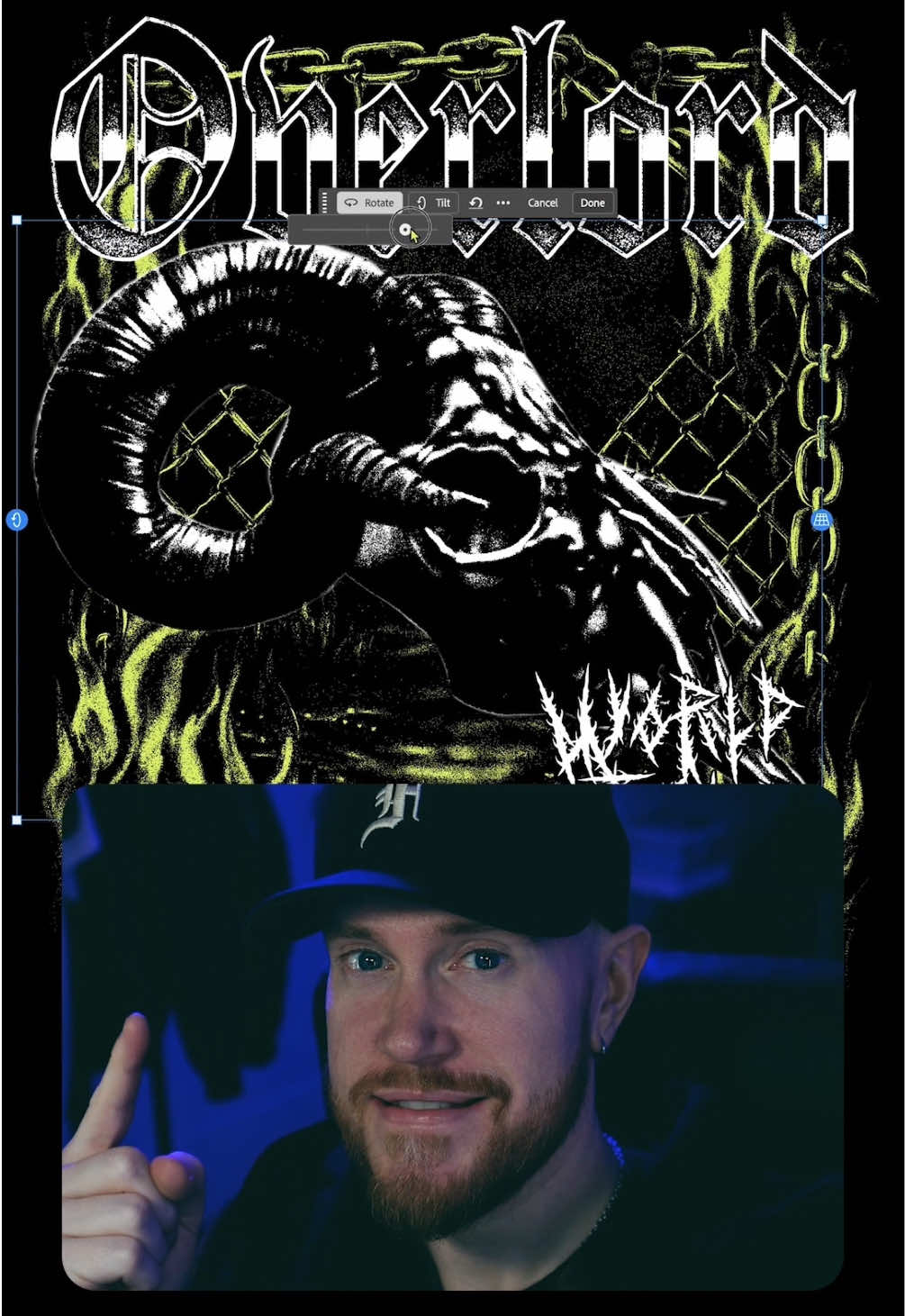
Oh…it’s just “one SMALL change” 💀 They don’t know it’s actually hours of work, either re-illustrating or finding a reference that matches the exact same style and detail as the original. That is, up until now. Enter one of Photoshop’s newest features: Rotate Object. Same skull. Same style. New design. No redrawing or hunting for different assets. This is how we’re gonna keep it movin. @Photoshop #adobephotoshoppartner
itchban
@itchban
04 Aug, 26
0:33
1.8M
4.1k
31
Recompose your photos without fear! Use @Photoshop to upscale your photos back to life with Generative Upscale. As a bonus you can now also add that lovely film grain texture in Photoshop to your photos. Give this a go and tag me in your results! #AdobePhotoshopPartner #photoshop #photography
KARO
@karocrafts
05 Jun, 26
0:51
496.9k
2.8k
12
add a little bit of ✮⋆˙spice ⋆⭒˚ to your pics @Photoshop #adobephotoshopartner
Alex Qian
@_alexqian
01 May, 26
0:57
7.9M
9.1k
45
@Photoshop continues to roll out new updates which allow me to make creative edits that would have taken EXPONENTIALLY longer if I had to do them manually. Using the new Object Selection Tool and Reference Objects in Generative Fill I was able to edit over a hundred frames in a fraction of the time to create something really unique! #AdobePhotoshopPartner
Edward Creates
@edwardcreates
28 Apr, 26
0:39
71.6M
49.9k
53
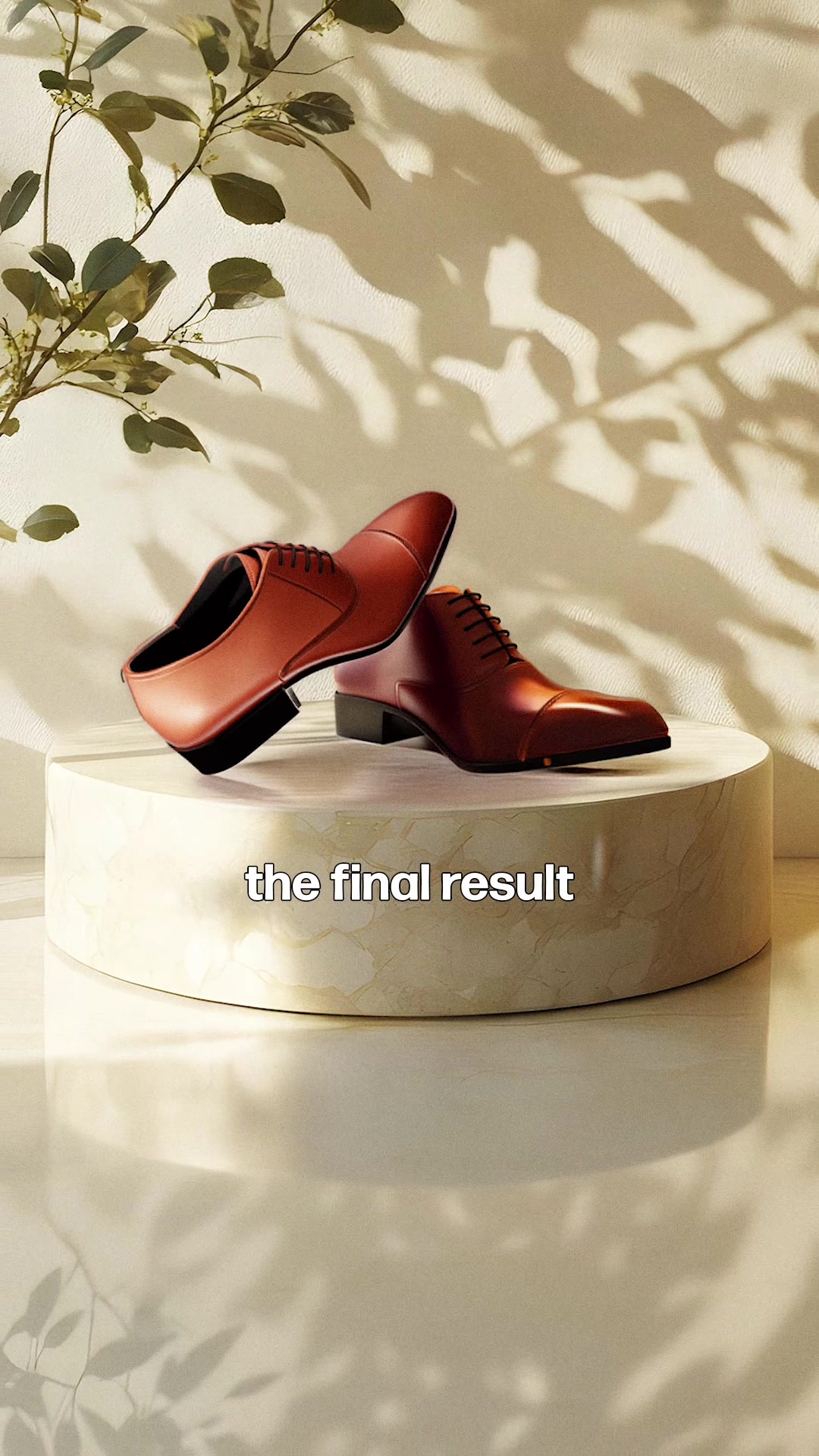
#adobephotoshoppartner - a mind-blowing new feature, perfect for high fidelity pre-vis. it's been suuuper clutch for helping clients visualize a shoot, making shot lists for efficient shoot days, and pitching/exploring ideas super quickly. visit the link in my bio to try Rotate Object in @Photoshop yourself 🔗
MONTREALITY
@montreality
30 Jul, 26
12:58
279.9k
36.3k
611
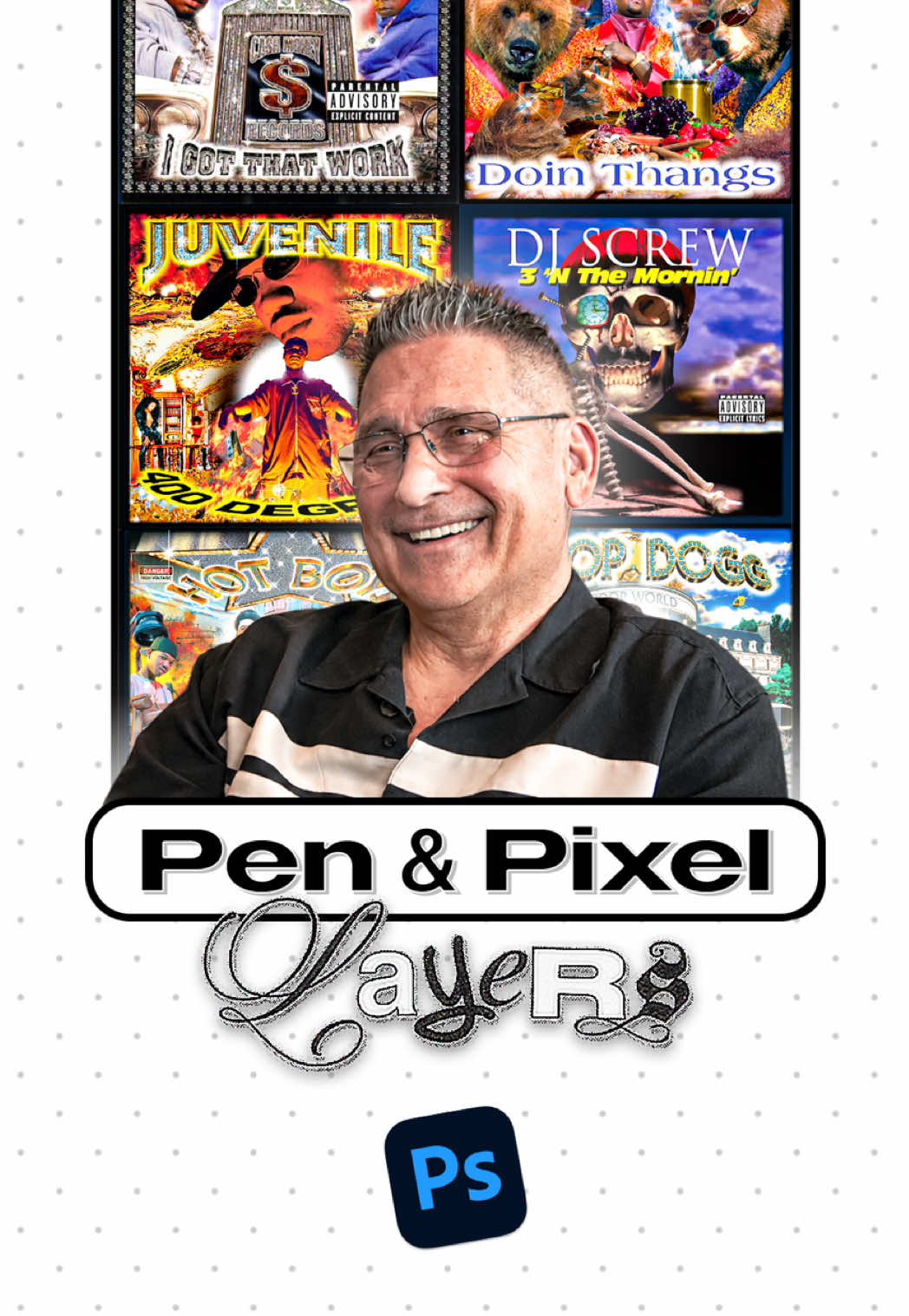
Shawn Brauch, the visionary co-founder of Pen & Pixel, designed over 20,000 iconic album covers. Pen & Pixel hand-crafted the wildest, diamond-encrusted album art in music history. We’re diving into Shawn Brauch’s genius and the practical effects behind 90s rap’s most legendary visuals. Here is the story of the man who illustrated the bling era. In this episode of "LAYERS", Shawn Brauch walks us through how he designed album covers for Master P, Snoop Dogg, and Lil Wayne using @Photoshop #adobephotoshoppartner
Luena
@luenagamaa
01 Jun, 26
1:24
2.6M
3.5k
24
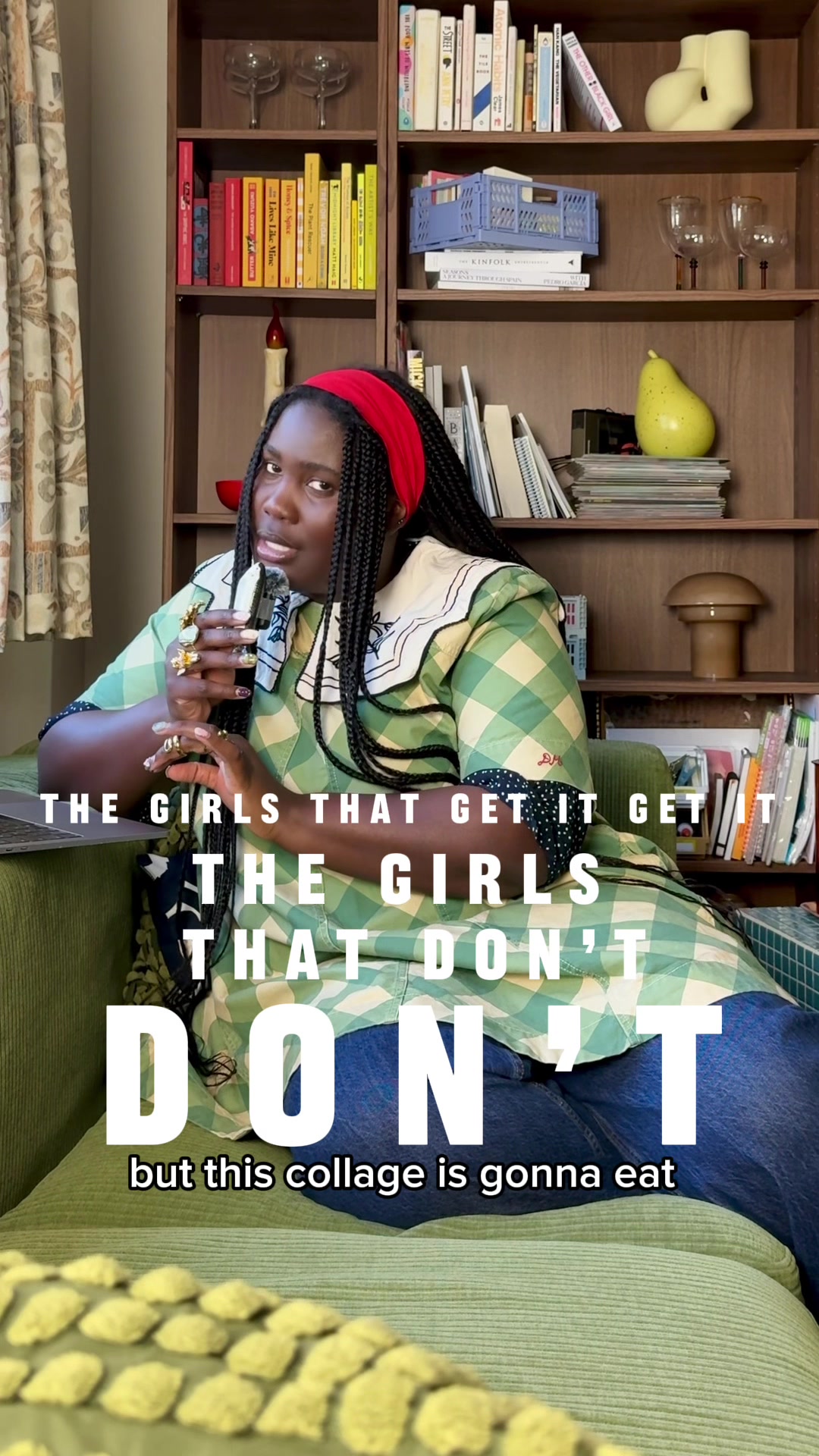
AD | Lisbon layers 🚋 Using @Photoshop to make this hometown collage feel extra special. ✨ #adobephotoshoppartner
KARO
@karocrafts
30 Apr, 26
0:55
557k
3.3k
8
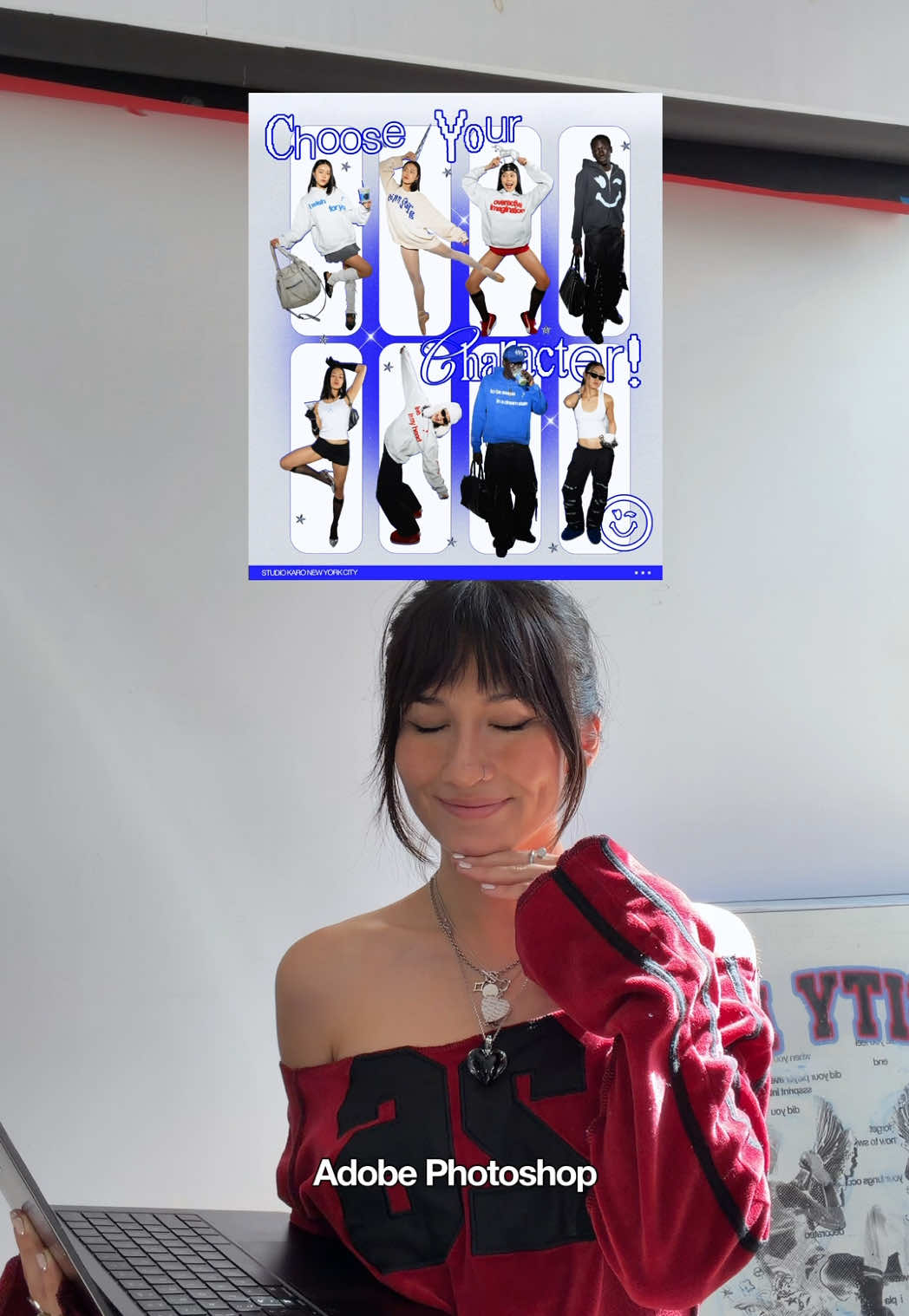
design process with @Photoshop ๋࣭ #adobephotoshoppartner
Justin Serran | Video Editor
@justinserran
28 Apr, 26
0:47
103.1M
105.8k
192
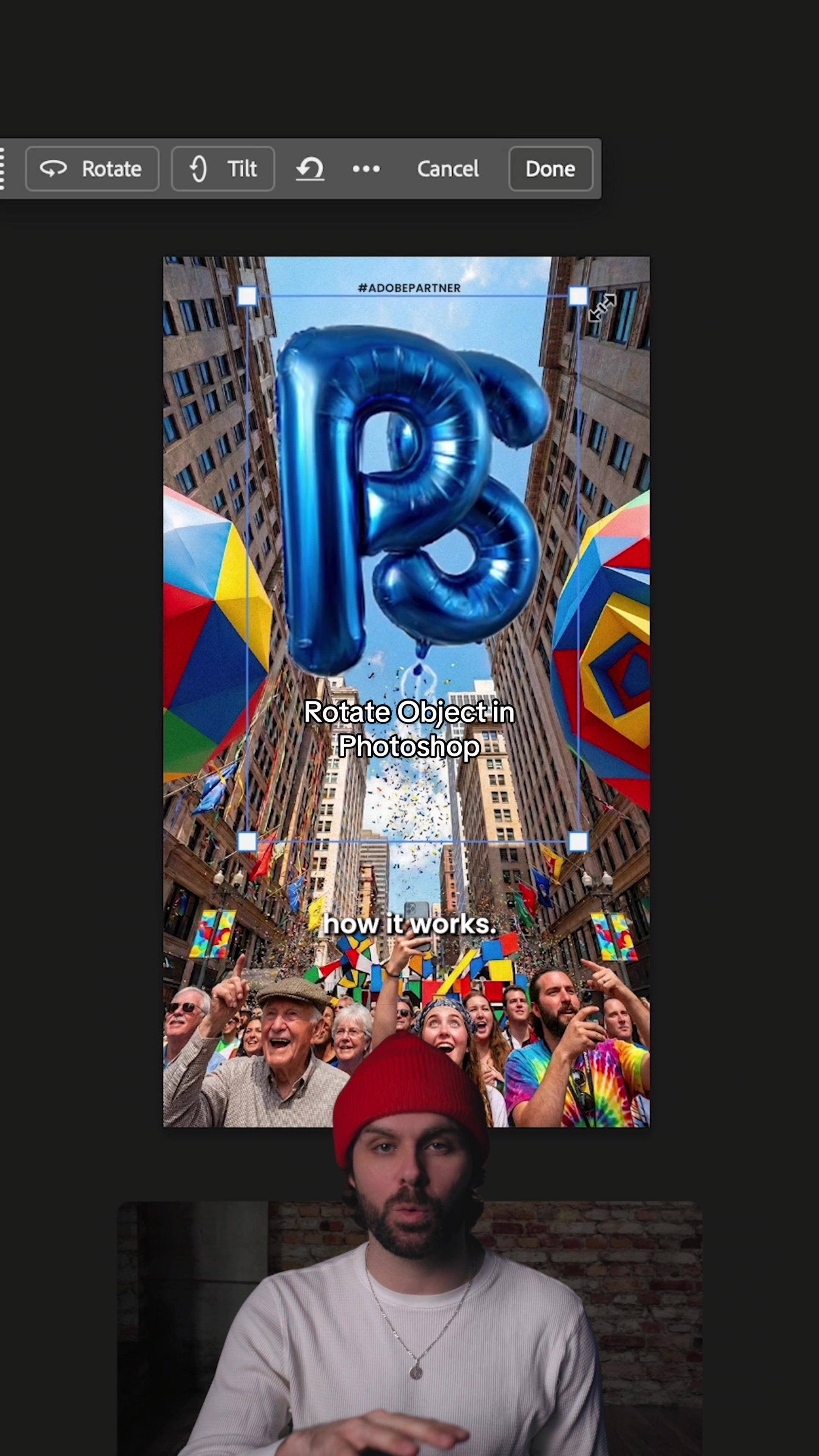
Rotate Object is officially live in Photoshop. No beta. No 3D app. No plugins. One photo, every angle, straight into your comp workflow. Try it today. @Photoshop #adobephotoshop #photoshoptips #aiphotoediting #productphotography #adobephotoshoppartner
David Suh
@davidsuh
23 Jul, 26
1:00
523.7k
5.8k
57
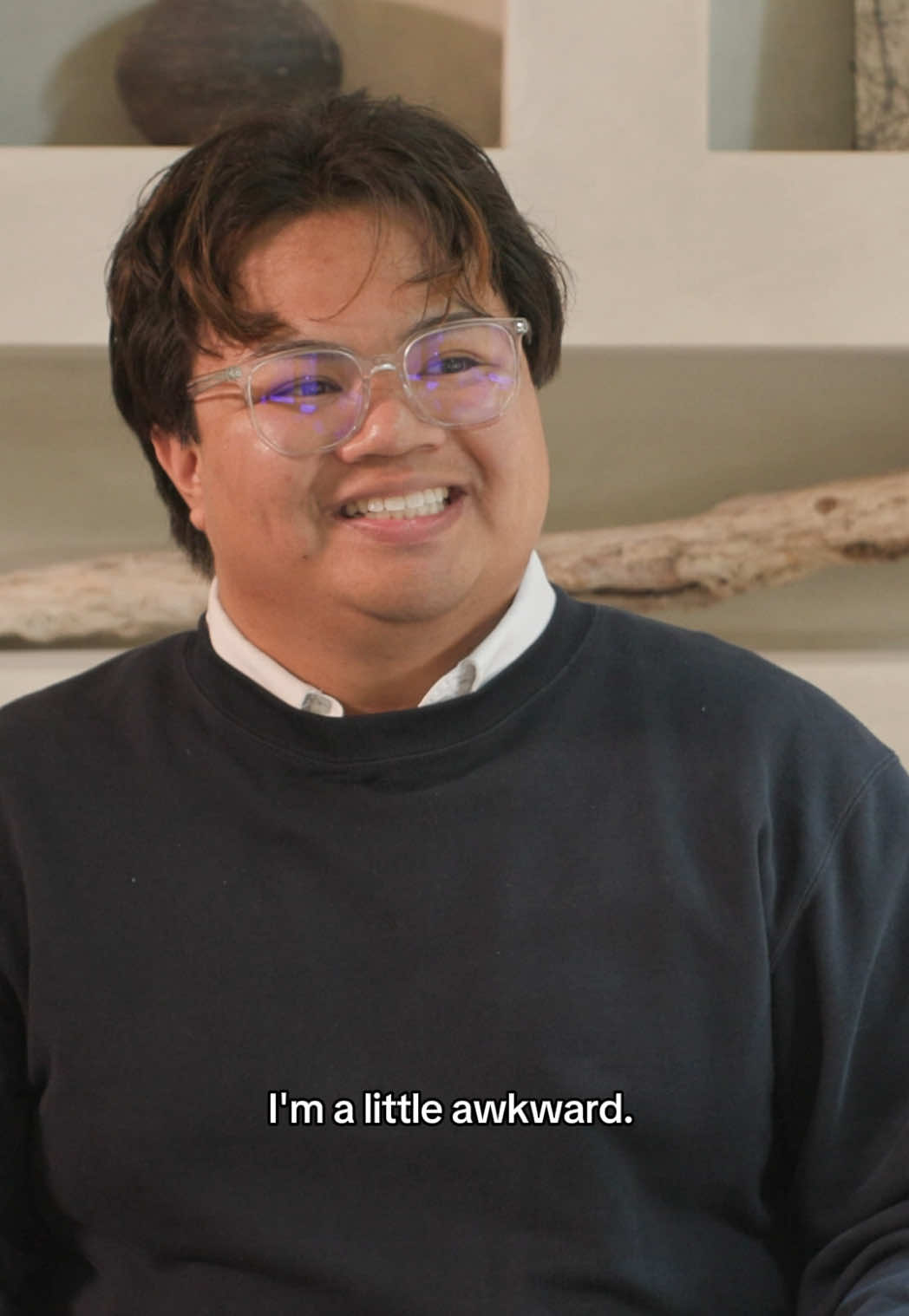
Photographing Ken was special because I could see so much of my younger self in him: an ambitious photographer that wants to help others while simultaneously trying to find ways to expand his self-perception and grow his confidence. I love approaching photography with a somatic angle because seeing a beautiful photo of you is only one part to believing. What your eyes see have to align with two things: What your body feels Who you desire to become Which is why using creative elements like clothing, hair, makeup, music, and body language as a means to support Ken FEELING the embodiment of who he wants to be is essential to creating meaningful transformation. Take a look at who Ken became in the full video. Episode 2 is live on my YouTube now. #Adobepartner @Photoshop
Cherry’s Illustrations
@cherrys.illustrations
20 May, 26
0:37
4.9M
4.5k
30
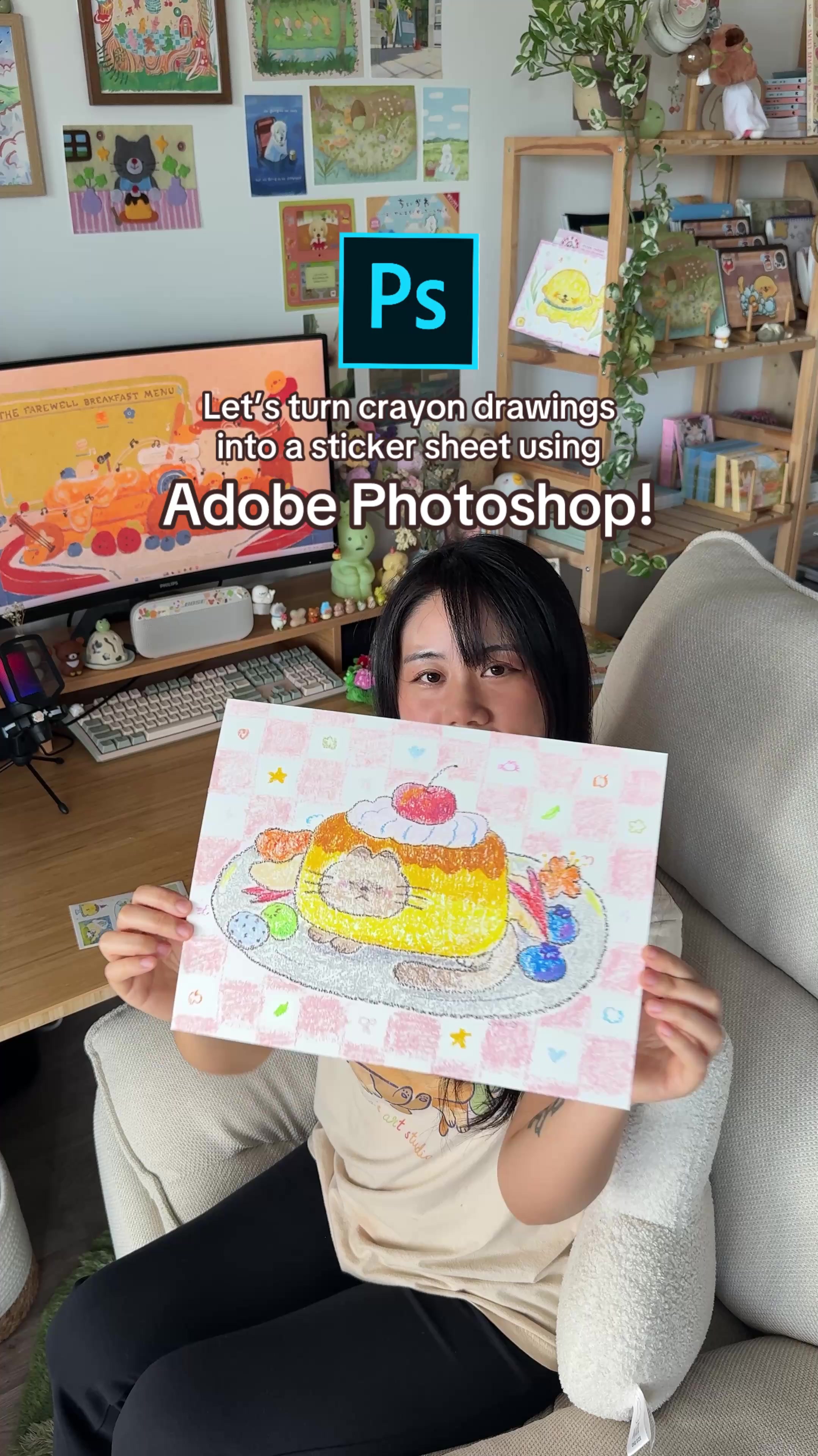
Here is how I used Adobe @Photoshop to create a hand-drawn sticker sheet! #ad #Photoshop #AdobePartner #graphicdesign #photoshophowto
sabbbbern
@sabbbbern
29 Apr, 26
0:51
881.5k
11.5k
47
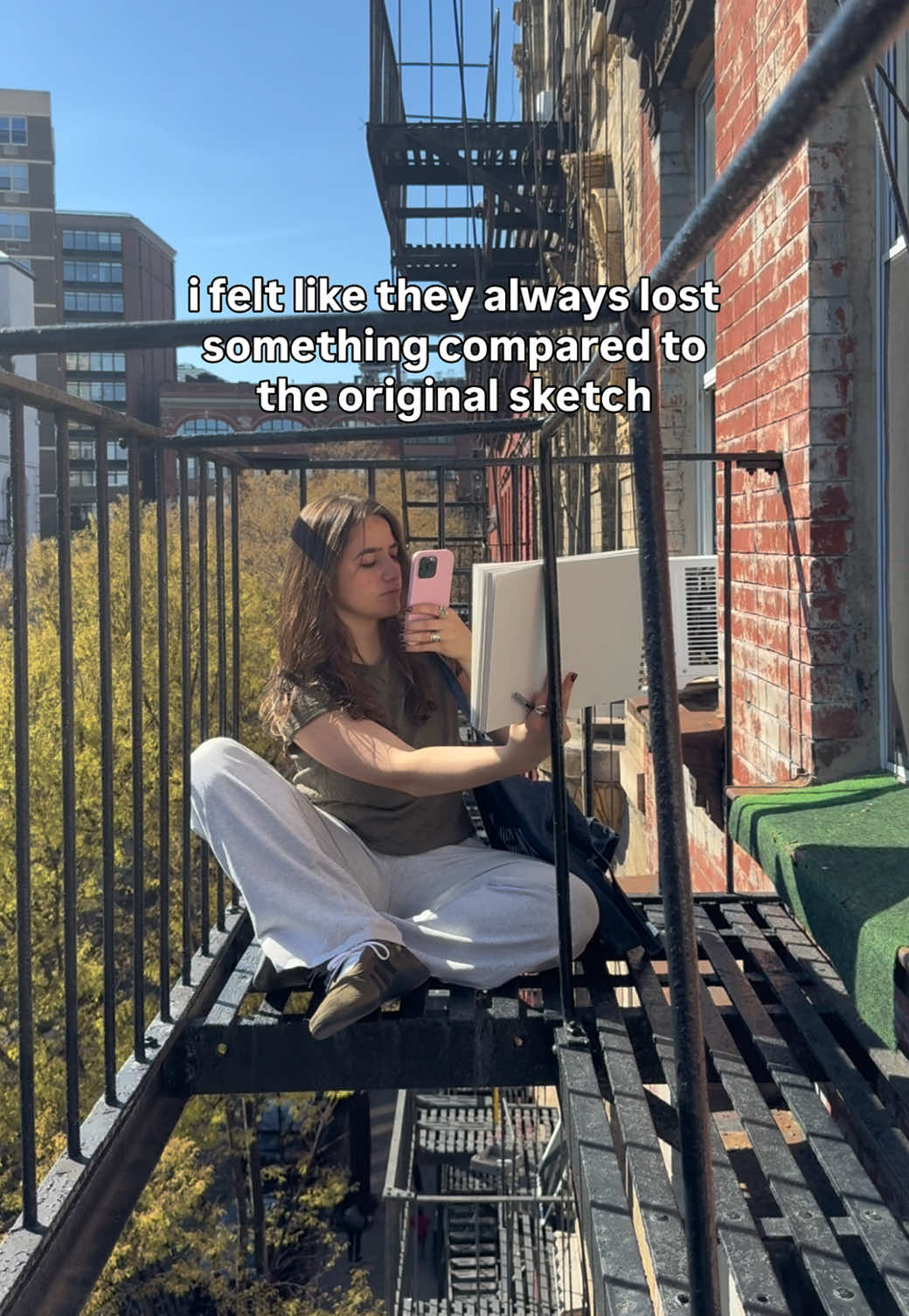
a peek into the behind-the-scenes of pulling an art print together with @Photoshop #AdobePhotoshopPartner
outlyning
@outlyning
17 Apr, 26
0:54
62.3M
49k
You don’t need to browse for png assets online anymore! @Photoshop has improved their select tools, which means removing backgrounds from images has never been easier (yes, even hair!!!), literally in one click :) I use a lot of images to create my work, so I’m always looking for the most efficient ways to speed up my process for repetitive, time-consuming tasks, like perfectly cropping an image. That way I can focus on the creative part of the process, which is what I love the most Try the Select Subject and Object Selection Tool today and let me know what you think! #AdobePhotoshopPartner
Other Media & Entertainment brands